Place Legends + Schedules
v1.0.7Revit 2025 · Revit 2026 · Revit 2027
Pick legends or schedules, pick target sheets, set the position once — Place Legends + Schedules stamps them across the whole set with identical coordinates. The end of nudging the same legend into place on forty sheets.
How it works
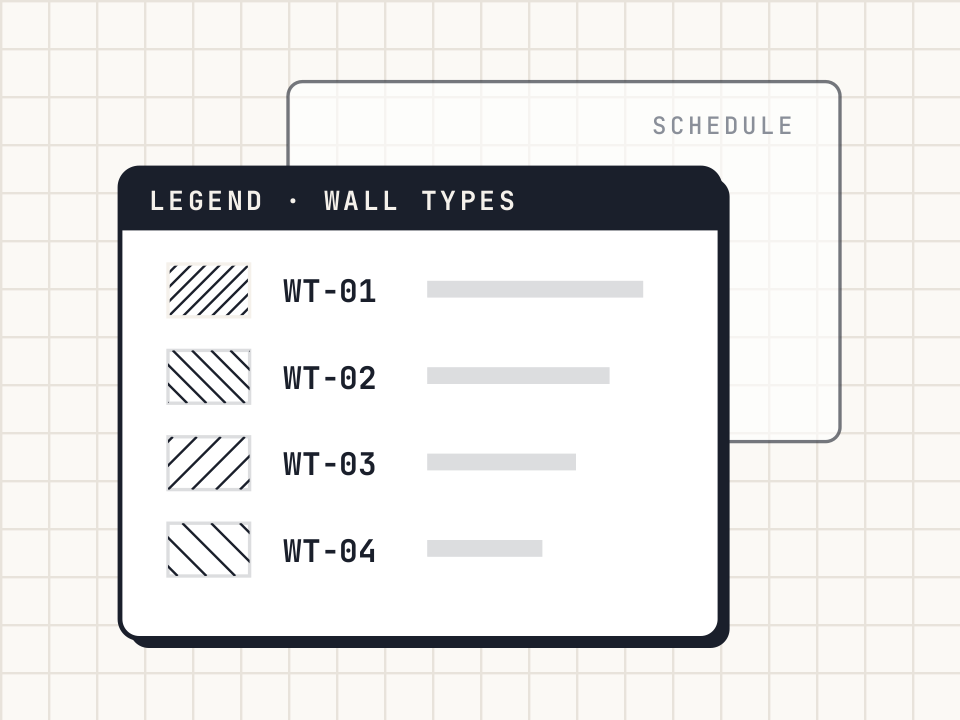 01
Pick a legend or schedule
Legends and schedules both work.
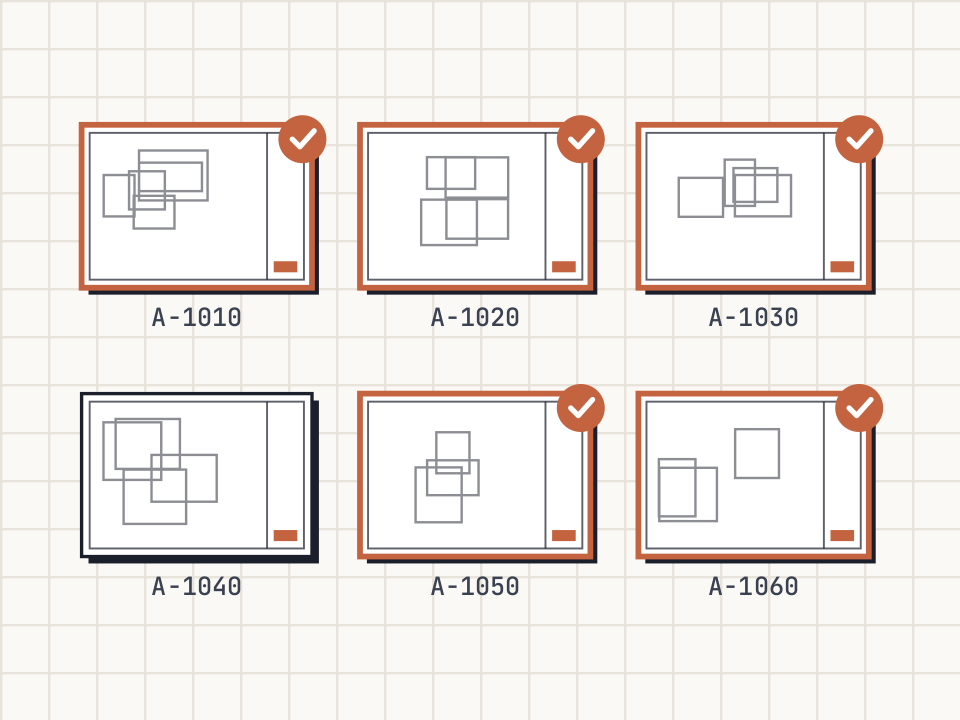 02
Pick the sheets
Tick the whole set, or just the sheets that need it.
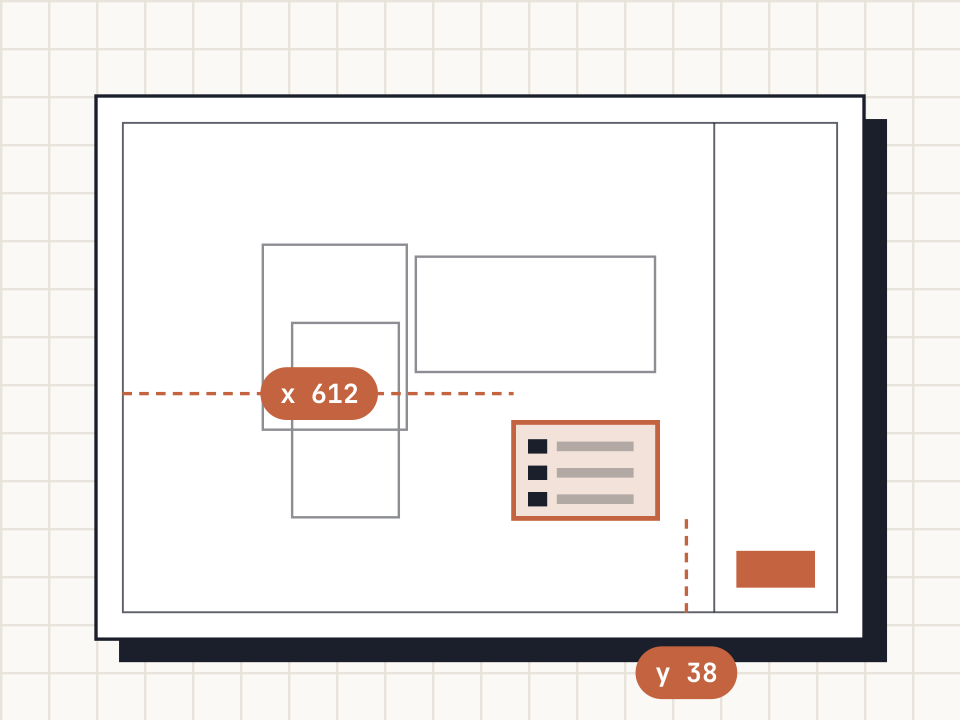 03
Set the position once
Or reuse the spot it already has on another sheet.
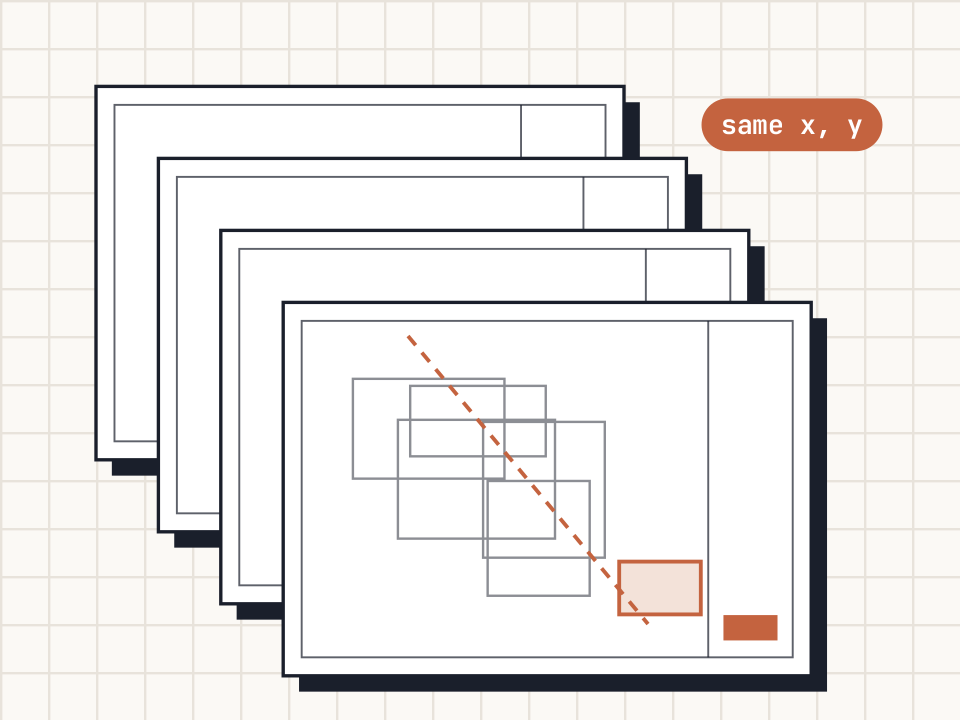 04
Same place on every sheet
Identical coordinates, consistent order.
Features
- + Multi-sheet placement
- + Reuses the position it already has on another sheet
- + Legends and schedules supported
- + Consistent ordering
Version history
v1.0.72026-09-07
- — Copies the layout from one source sheet, so items land where they were on the original; the results name the sheet
v1.0.52026-07-22
- — Branded window chrome