RenameR
v1.0.16Revit 2025 · Revit 2026 · Revit 2027
RenameR runs an ordered list of rules — find and replace, add a prefix or suffix, insert a running number — across view names, sheet names, family names and family type names in one pass. Every new name is previewed before anything is committed, and a rule set you use often can be saved into the project for the whole team.
How it works
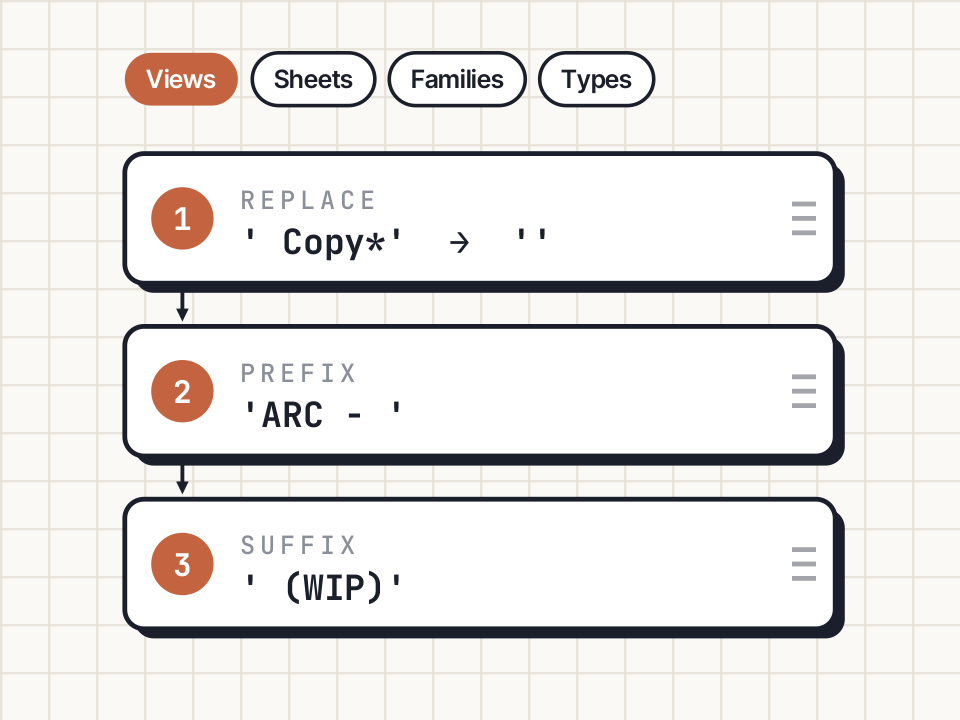 01
Chain the rules
Replace, prefix, suffix, number — in the order you set.
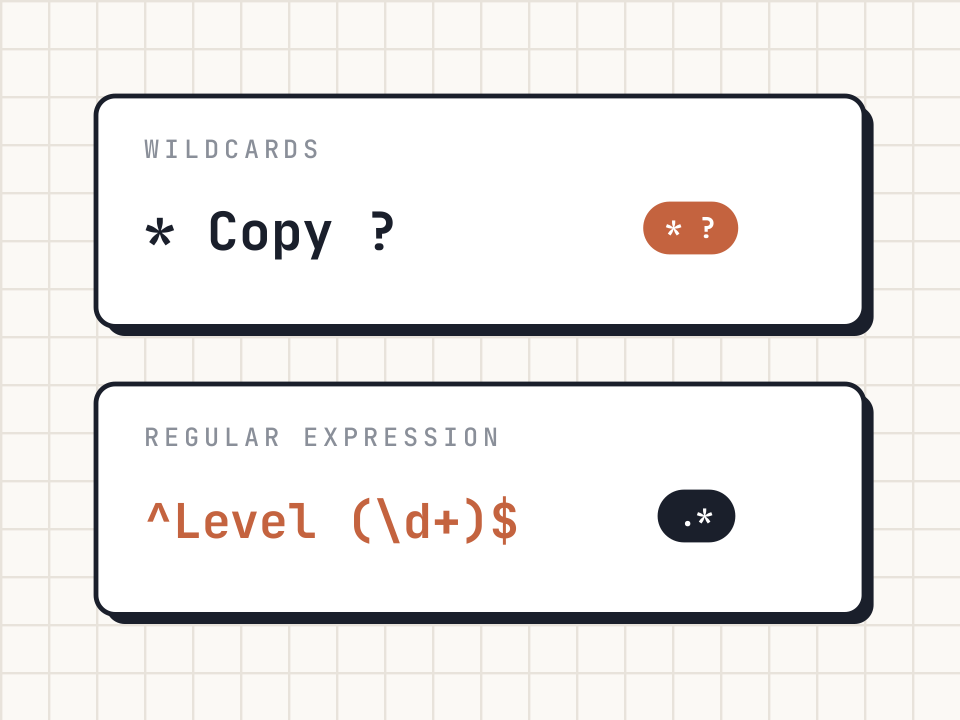 02
Wildcards or regex
Simple patterns, or full regular expressions.
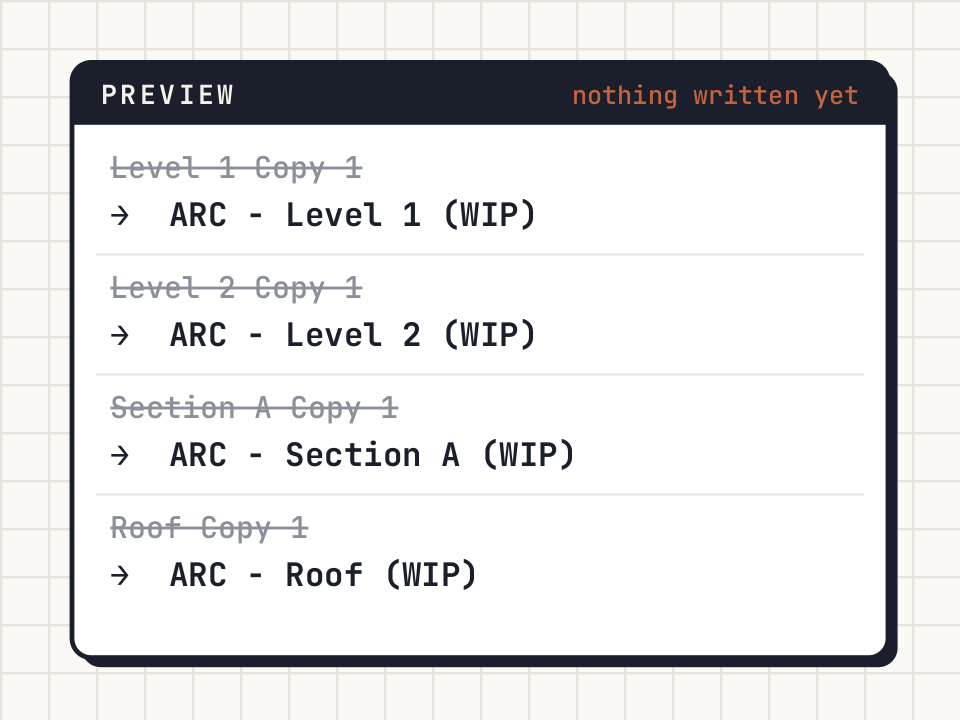 03
Preview every name
Nothing is written until you approve it.
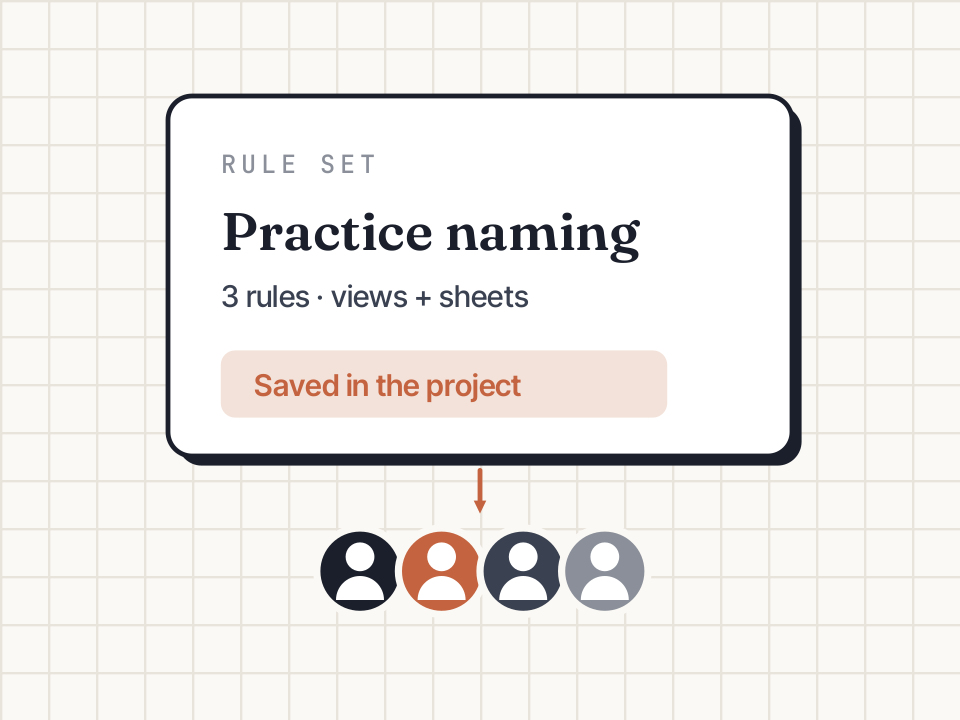 04
Save it for the team
Rule sets live in the project, shared by everyone.
Features
- + Rules that run in order: replace, prefix, suffix, number
- + Wildcards, or full regular expressions
- + Save a rule set into the project for the team
- + Views, sheets, families and family types
- + Full preview before commit — nothing is written until you approve it
Version history
v1.0.162026-09-05
- — Family and type rows are told apart at a glance, and each shows the name it will actually change
- — Picking a family also picks its types, so a rename covers both in one pass
- — Buttons to select every family or every type at once
- — Ordered rule pipeline: replace, prefix, suffix and running numbers
- — Saved rule sets, stored in the project so the team shares them
- — Regular expressions alongside wildcards
- — Back to the main window from the preview instead of closing
v1.0.72026-07-22
- — Branded window chrome